

Download Nox Security - Antivirus Clean Virus Booster – antivirus, mobile tool, performance optimizer, free tool, Android, junk cleaner, RAM management, app protection, gaming mode, real-time protection, secure, latest version, update, PC software, desktop application
Overview
Nox Security - Antivirus Clean Virus Booster is a free utility app designed for Android devices, developed by Nox Ltd. The software functions as a multi-purpose tool aimed at enhancing device performance and ensuring security. It combines antivirus protection with system optimization features, targeting users who seek a streamlined way to maintain their mobile devices without extensive technical knowledge. The app is particularly useful for individuals managing older or resource-constrained smartphones that may experience slowdowns, battery drain, or storage issues over time. It serves as a one-stop solution for common mobile maintenance tasks, such as scanning for malware, clearing unnecessary files, and optimizing system resources.
Real-world usage scenarios include daily device upkeep—users can run quick scans before downloading new apps, clear caches after prolonged usage, or activate gaming mode to prevent interruptions. The tool is also suitable for users who want to protect sensitive data through app locking features. While the app is tailored for mobile platforms, its functionality aligns with broader device maintenance needs often addressed by PC software, such as cleanup utilities and real-time protection. The developer did not provide additional system requirements, and the app is designed to run on Android devices.
Key Features & Capabilities
- Antivirus Scanner and Real-Time Protection – Detects and removes viruses, malware, and other security threats in real time. Users can initiate full or quick scans to ensure their device remains secure.
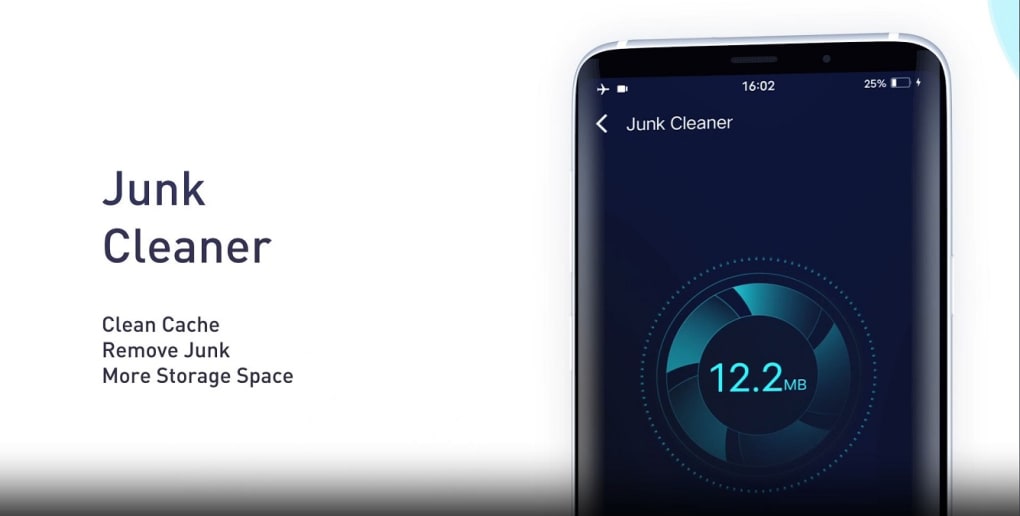
- Junk Cleaner – Removes residual files, cached data, and unused APK installers to free up storage space and improve device responsiveness.
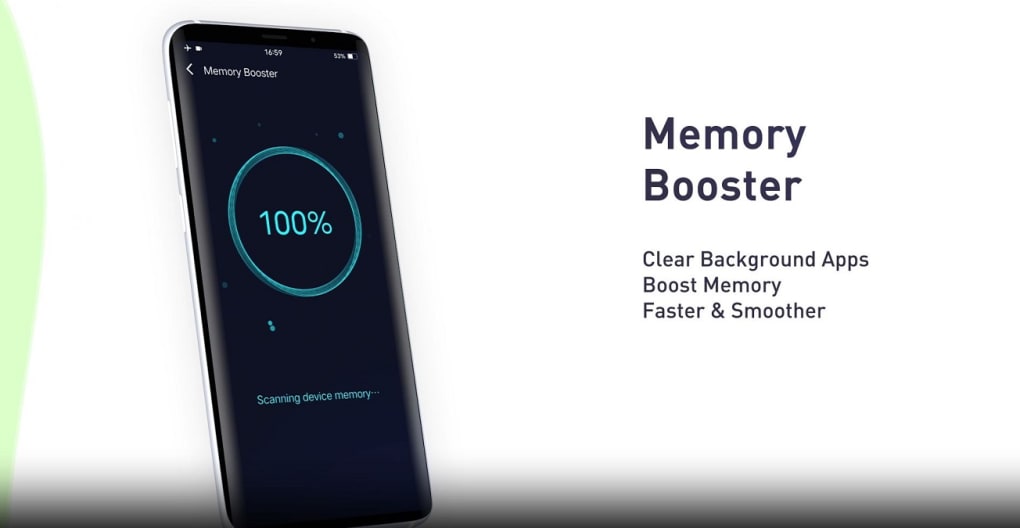
- RAM Management – Identifies and closes background applications to free up memory, helping to enhance performance and extend battery life.
- Gaming Mode – Disables notifications and other interruptions during gameplay, allowing for a more immersive experience.
- App Protection – Enables password or pattern locks for individual apps to prevent unauthorized access to sensitive data.
These features are accessible through a single-tap interface, making them ideal for beginners. The junk cleaner can be used after installing multiple apps to remove leftover files. The RAM manager helps maintain smooth multitasking, while the app protection feature is beneficial for users sharing devices or handling private information. Real-time protection runs continuously in the background, offering ongoing defense against emerging threats.
User Interface, Workflow & Performance
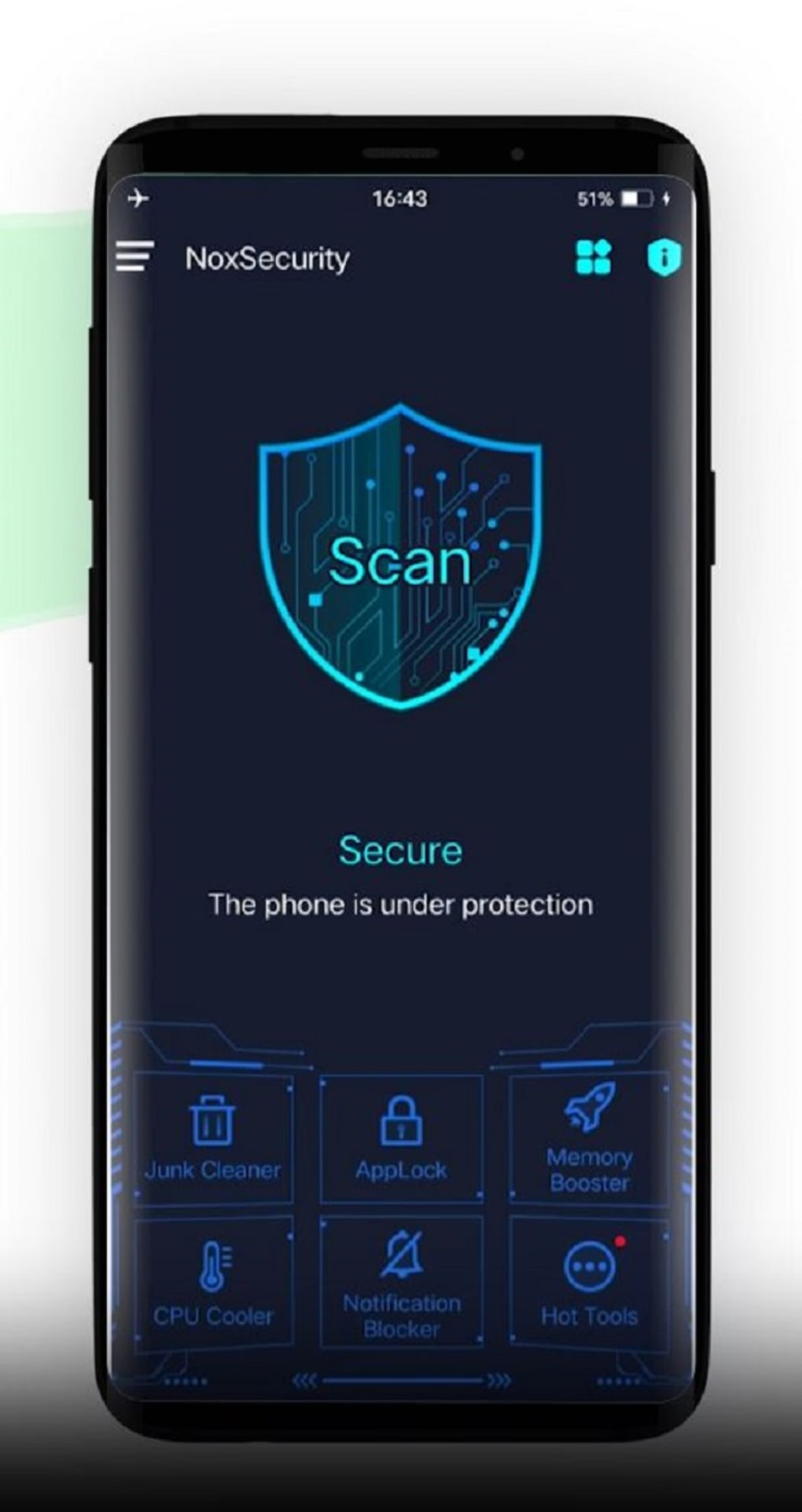
The app features a minimal, futuristic-looking user interface with four core functions displayed prominently on the main screen. Navigation is straightforward, with icons representing each major function—antivirus, junk cleaner, performance optimizer, and gaming mode. The workflow is designed for efficiency, allowing users to perform tasks with minimal taps. The one-tap operation supports quick access to essential tools, reducing the learning curve for new users.
Performance observations are based on general software behavior patterns. The app runs in the background and performs scans and optimizations without requiring constant user input. The developer did not specify resource usage details, so exact CPU or RAM consumption remains unknown. Stability is assumed to be consistent with typical Android utility apps, though some users may experience interruptions due to intrusive ads. The app’s responsiveness during scans and cleanup operations appears to be adequate for most standard devices.
Compatibility & System Requirements
Nox Security - Antivirus Clean Virus Booster is available for Android devices. The app is designed to run on mobile platforms and does not support desktop operating systems such as Windows or Mac. The developer did not provide specific hardware requirements or version compatibility details. Installation size is not specified, but as a mobile utility, it is expected to occupy a moderate amount of storage space. The app was released on October 15, 2023, and is available for free download.
Compatibility information was partially provided. Users should ensure their Android device meets general system requirements for third-party apps, such as having sufficient storage and a compatible OS version. The developer did not provide details about the latest update, so users are advised to check the official source for current version information.
Pros and Cons
Pros
- Free to download and use with no upfront cost
- Comprehensive suite of tools for security and performance
- One-tap interface ideal for beginners and non-technical users
- Real-time antivirus protection enhances device security
- Effective junk cleaning and RAM management for improved performance
Cons
- Intrusive ads may disrupt user experience
- Limited information on system requirements and performance impact
- No support for desktop platforms like Windows or Mac
- Developer did not provide details about update frequency or latest version
- App protection and gaming mode features may not be available on all devices
FAQ Section
Is Nox Security - Antivirus Clean Virus Booster available for Windows or Mac?
The app is designed exclusively for Android devices and does not support desktop operating systems such as Windows or Mac.
Is the app safe to use and secure?
As a free utility app from Nox Ltd, it performs standard antivirus and cleanup functions. However, users should be cautious of intrusive ads and ensure they download the app from official sources.
Does the app require an internet connection?
While some features like real-time protection may require an internet connection, basic functions such as junk cleaning and RAM management can be performed offline.
Can I update the app manually?
The developer did not provide details about update mechanisms. Users are advised to check the official app store for the latest version.
Is there a license or subscription required?
Nox Security - Antivirus Clean Virus Booster is available for free download. There is no mention of a paid license or subscription model in the provided information.
Final Thoughts
Nox Security - Antivirus Clean Virus Booster delivers a solid combination of antivirus protection and performance optimization in a single, easy-to-use package. Its core features—antivirus scanning, junk cleaning, RAM management, and app protection—are well-suited for users seeking a no-frills maintenance tool for their Android devices. The one-tap interface makes it accessible even to those with minimal technical experience.
However, the presence of intrusive ads may detract from the overall experience for some users. Despite limited transparency around system requirements and update frequency, the app remains a viable option for those looking for a free, all-in-one mobile utility. If you're using an Android device and want to keep it running smoothly, this tool offers a practical solution.
Download Nox Security - Antivirus Clean Virus Booster now





.png)

